Help › Your dashboard
Your dashboard
The Dashboard is your home page. Use it to check that your phone system is running and to jump to the next thing you need to set up.
What the page shows
The top row has four boxes: System Status, People, Phone Numbers, and Greetings. The last three boxes show how many of each you have set up. The page updates itself every 10 seconds, so you do not need to refresh it.
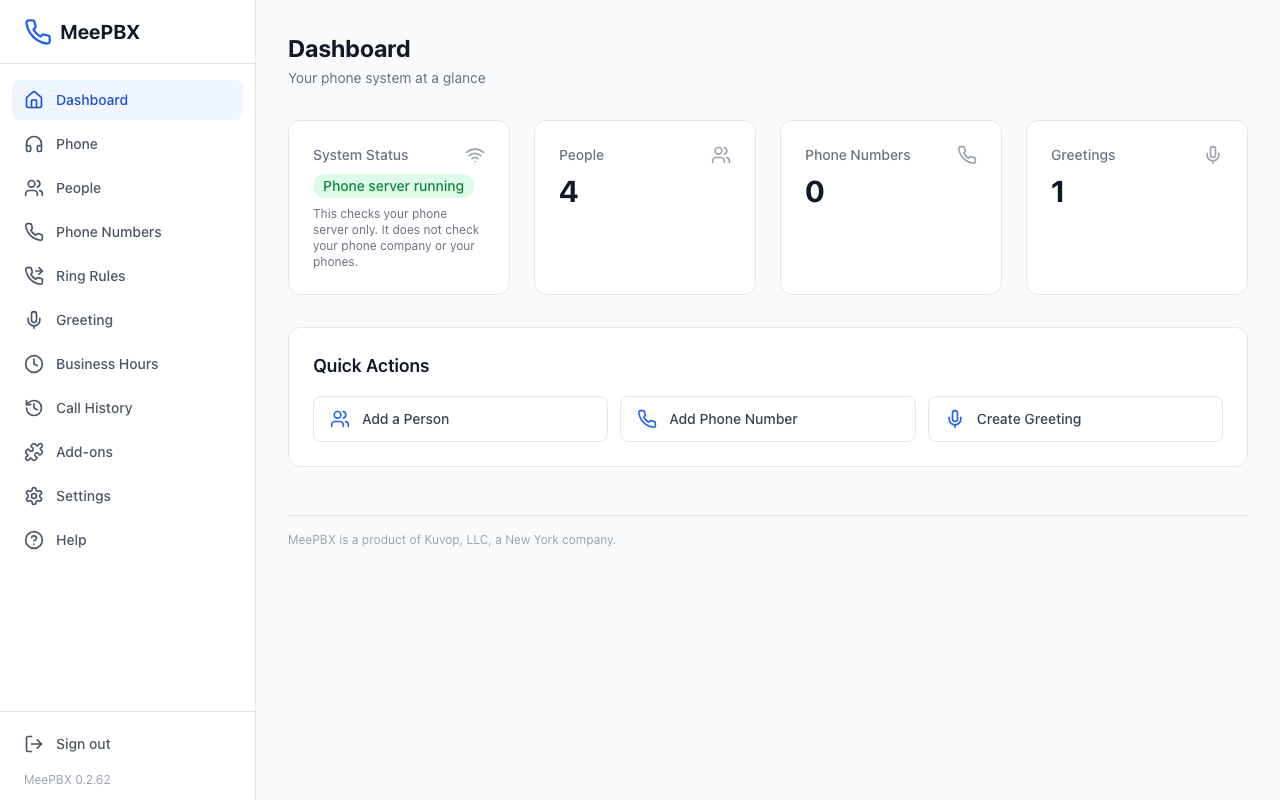
The "Phone server running" badge
The System Status box shows one of three badges:
- Green, "Phone server running". Your phone server is working.
- Yellow, "Degraded". Something is not working fully.
- Red, "Offline". The phone server is not responding.
This check only looks at your phone server. It does not check your phone company or your desk phones. A green badge does not prove that calls will reach your phones.
Warning: If the badge says "Degraded" or "Offline," email support@meepbx.com. Support is open weekdays from 9 to 5 ET.
Quick Actions
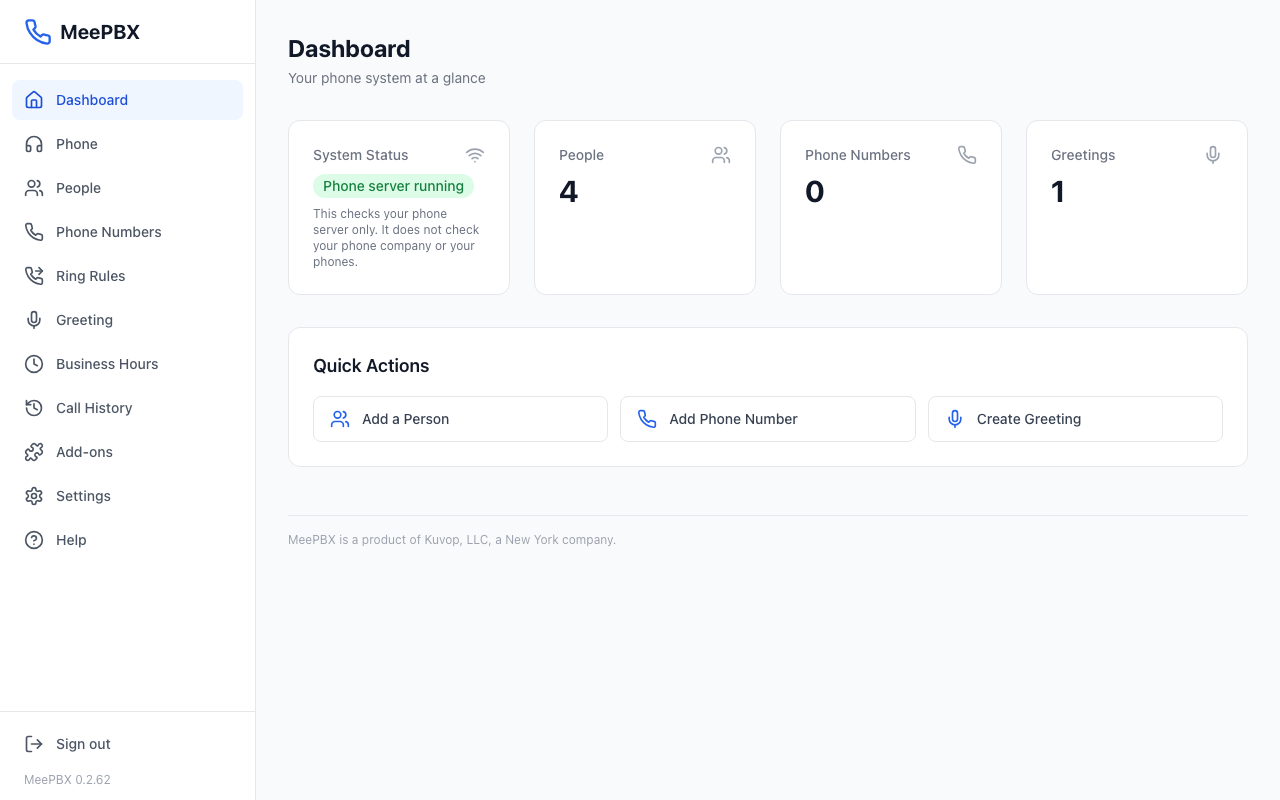
Under the four boxes is a panel called "Quick Actions." It has three buttons that open the pages most offices use first.
- Find the panel titled "Quick Actions."
- Click "Add a Person" to open the People page, "Add Phone Number" to open the Phone Numbers page, or "Create Greeting" to open the Greeting page.
The first time you use MeePBX, start with Getting started.
Finding your way around
The menu on the left side of the screen lists every page. Click a name to open that page. The page you are on is highlighted. The menu has these items:
- Dashboard: this page.
- Phone. Read about the web phone.
- Call History. Read about Call History.
- Add-ons. Turn on a few extra things MeePBX can do.
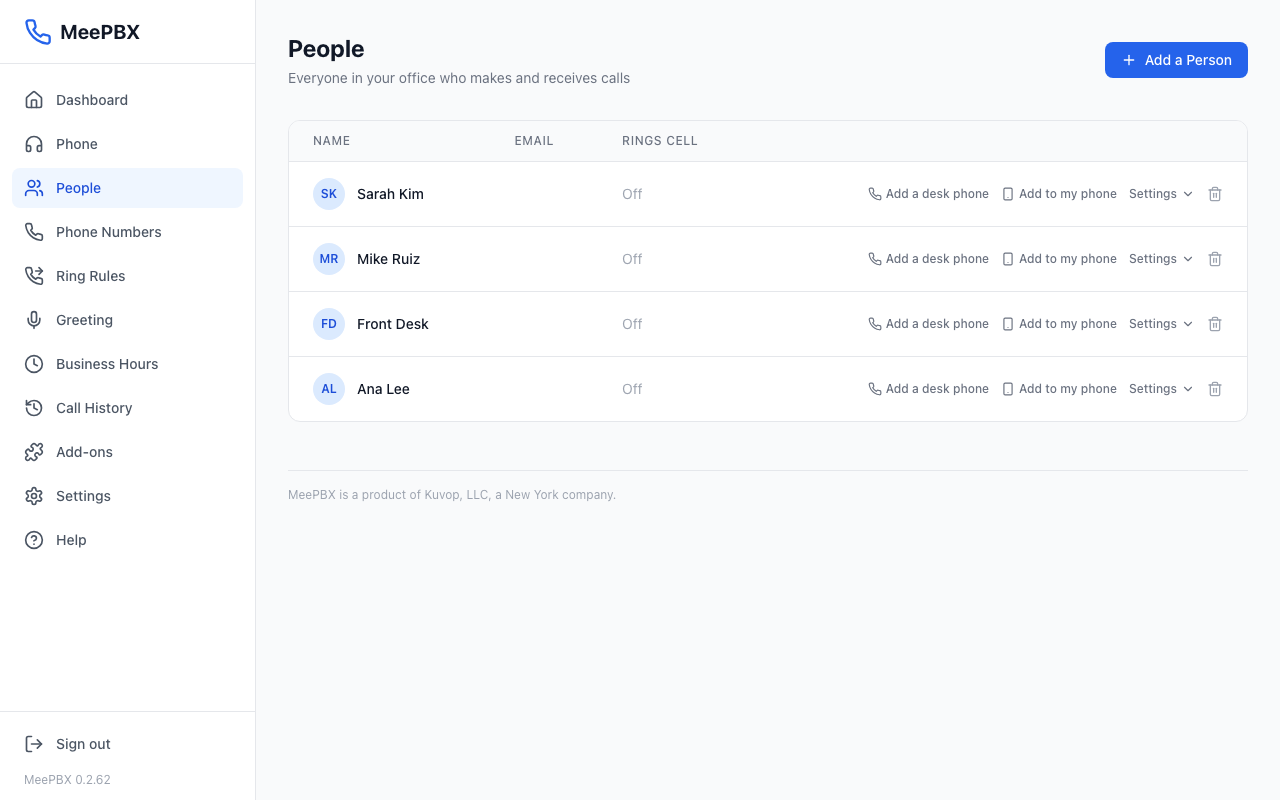
- People. Read about People.
- Phone Numbers. Read about phone numbers.
- Ring Rules. Groups of people who ring together. Read about who rings.
- Greeting. Read about the greeting.
- Business Hours. Sets when calls ring through and when they go to voicemail. Read about business hours.
- Settings. Read about settings.
- Help: this section.
Ready to try it? Your phone system is free for 7 days, no card needed.
Join the beta: 7 days free